Description
OPERATION
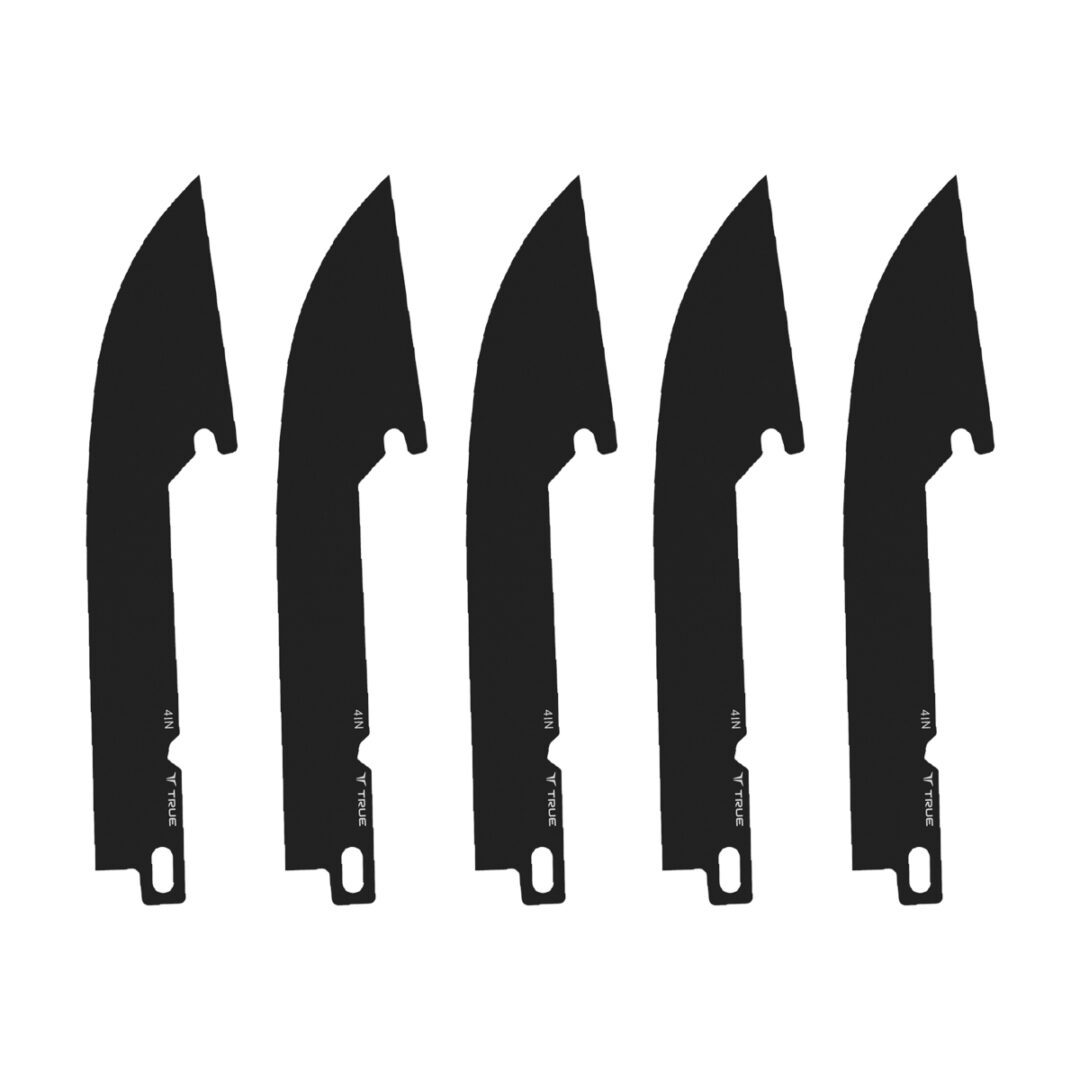
Compatible with any TRUE SWIFT EDGE 4” Folding Knives:
TRU-FMK-1002 – SWIFT EDGE 4” TPR (Blue)
TRU-FMK-1005 – SWIFT EDGE 4” TPR (Orange)
INSTRUCTIONS
IMPORTANT: It is advised to always handle the blades by the dull, spine side to keep your fingers furthest away from the sharp edge to prevent risk of injury.
BLADE REMOVAL
1. Carefully unfold the knife and push the toggle lock thumb stud to the unlocked position. A yellow dot will be visible on the opposite side of the toggle lock.
2. Grip the knife in your hand and use your thumb to push down on the blade release located on the retention support.
3. With your opposite hand, carefully pinch the sides of the blade and slide it out. Be sure to handle the blade from the dull side so the sharp edge is oriented away from you and your hand.
4. Lift your thumb off the blade release.
BLADE INSTALL
1. Carefully unfold the knife and push the toggle lock thumb stud to the unlocked position. A yellow dot will be visible on the opposite side of the toggle lock.
2. Insert a blade by sliding it into the retention support until it clicks into place. Be sure to handle the blade from the dull side so the sharp edge is oriented away from you and your hand.
3. Push the toggle lock thumb stud to the locked position.
4. Pinch the blade by the dull side and gently pull to ensure it is secure.